
Sign in to Flightdemy and go to My Apps in your account menu. You will see one card per trainer in your license, with its expiry date.
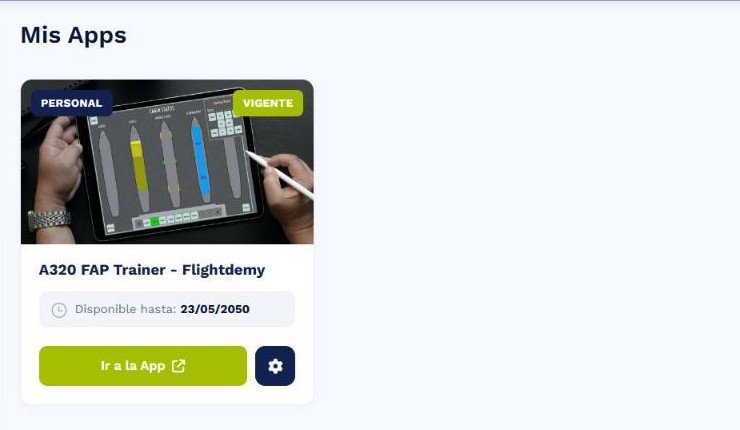
The A320 FAP Trainer card: the green button opens the trainer and the gear opens the Configurator.
- The green Go to app button opens the trainer in a new tab.
- The gear button opens the App Configurator, where you customize your trainer.
- Inside the app, Back to my apps returns you to this screen.
If the card is missing or shows as expired, check your license expiry date or contact us from the contact page.