
Splash Screen
Upload your company logo (PNG, JPG, SVG or WEBP, up to 2 MB) and choose the background color. This is the screen shown while the trainer loads. The preview shows the result.
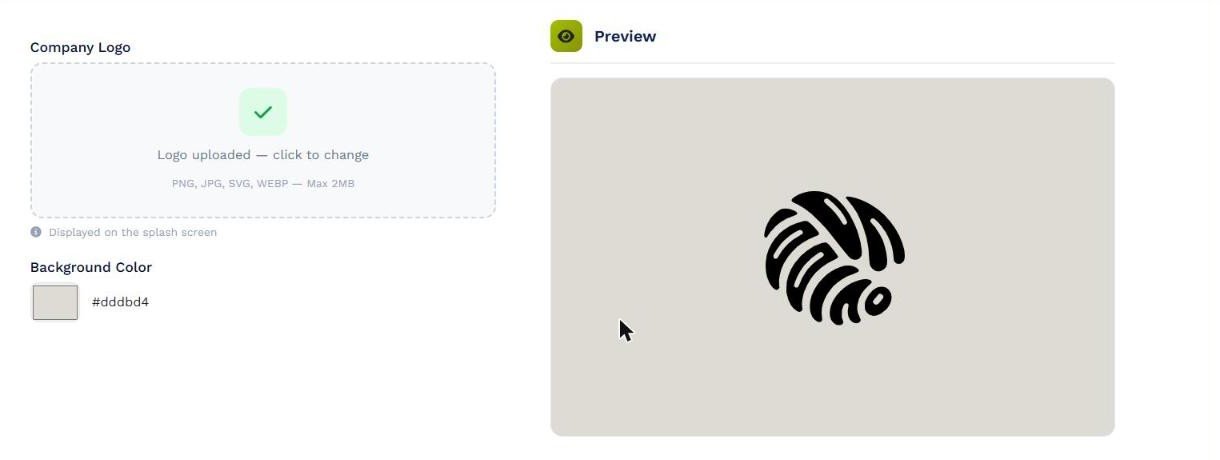
Splash Screen: company logo, background color and preview.
Cabin Layout
Choose the cabin layout the trainer uses: Single Cabin, Business + Economy or CTD Single. It affects the pages that draw the cabin, such as Cabin Status or Lights.
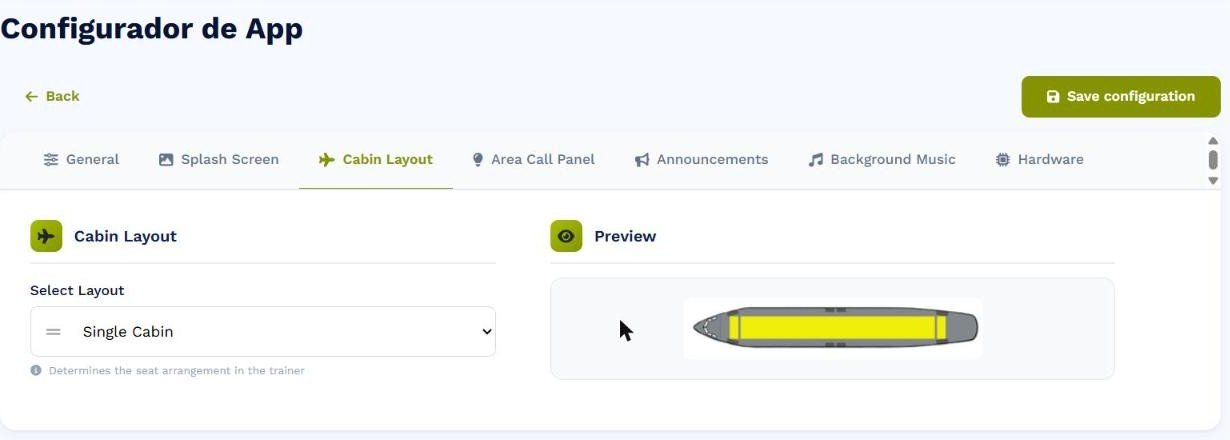
Cabin Layout with a preview of the selected layout.
Area Call Panel
Set the ACP call light colors to match your fleet: Amber + Red + Red + Blue or Amber + Pink + Pink + Blue.
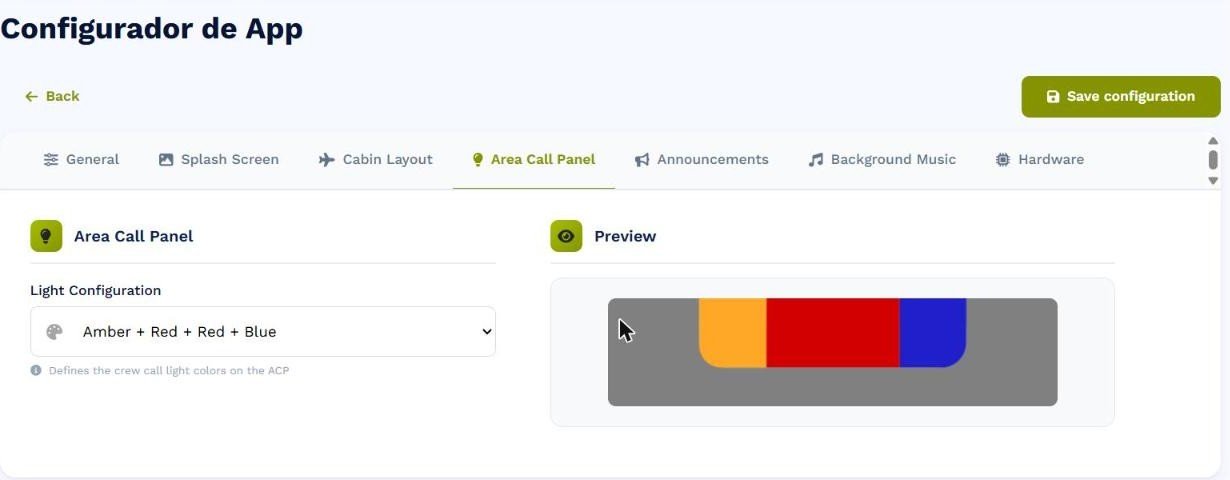
Area Call Panel: color combination and preview.