✈ Cabin crew trainer

Master the A320 Flight Attendant Panel

Train cabin crew on Airbus A320 Flight Attendant Panel procedures without expensive simulators or mockups. Practice normal, abnormal and emergency scenarios — on tablet, iPad or computer.
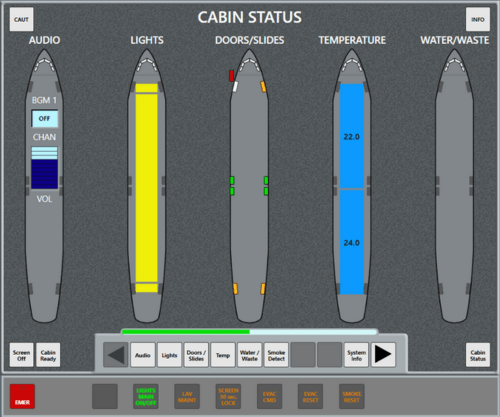
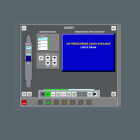
A320 FAP Trainer — Airbus A320 Flight Attendant Panel

See it in action

See how the A320 FAP Trainer simulates real cabin scenarios for effective crew training.
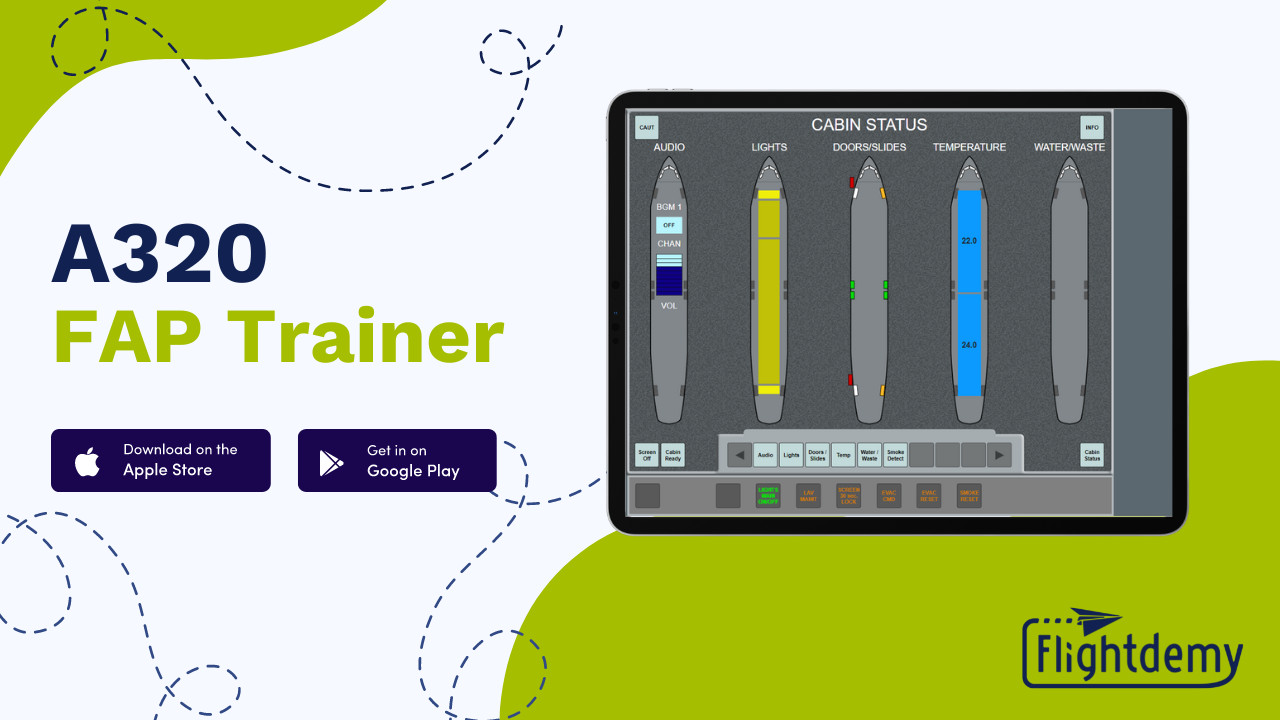
A320 FAP Trainer Demo

Everything you need for cabin crew training

A complete Flight Attendant Panel simulator with realistic controls, fault simulation and customization options.

All FAP pages

Every page fully functional with realistic controls, indicators and interactive elements.

Fault simulation

Trigger CIDS malfunctions, Blue Box alerts and other abnormal scenarios for crew training.

Fully customizable

Upload your logo, pre-recorded announcements and configure cabin layouts to match your fleet.

ACP & AIP panels

Integrated Area Call Panel and Attendant Indication Panel for complete crew station simulation.

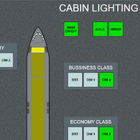
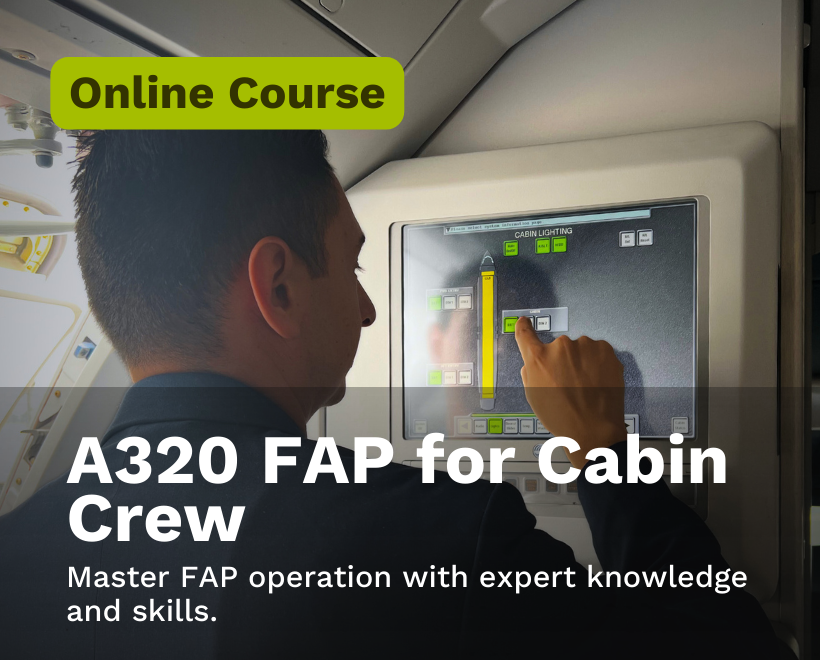
Cabin lighting

Control cabin lighting zones, emergency lighting and sign indicators from the FAP.

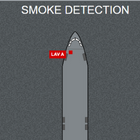
Smoke & alerts

Practice lavatory smoke alarm procedures and emergency alert protocols.

All FAP pages — at your fingertips

Each Flight Attendant Panel page accurately reproduced so you can practice real A320 cabin operation.
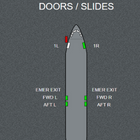
Doors — Status & slides

Doors

Status & slides

Lights — Cabin zones

Lights

Cabin zones

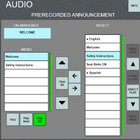
Audio — Announcements & music

Audio

Announcements & music

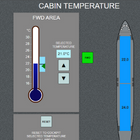
Temperature — Zone control

Temperature

Zone control

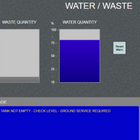
Water / Waste — Levels & valves

Water / Waste

Levels & valves

Smoke — Lavatory alarm

Smoke

Lavatory alarm

Faults — CIDS & Blue Box

Faults

CIDS & Blue Box

ACP / AIP — Cabin calls

ACP / AIP

Cabin calls

Simulate real cabin scenarios

As an instructor, you have full control to simulate diverse cabin situations — from routine turnarounds to emergency evacuations.

Fully customizable cabin layouts
Doors and slides status control
CIDS fault simulation
Pre-recorded cabin announcements
Attendant Indication Panel (AIP)
Area Call Panel (ACP)
Passenger, crew & emergency calls
Lavatory smoke alarm procedures
Cabin temperature & water controls
Turnaround procedure training

Ideal for academies and training centers

Give your crew a real practice tool — and your instructors full training control.

  • Each student practices from their device — no expensive hardware needed
  • Instructors configure personalized scenarios and trigger live faults
  • Standardize FAP training across your entire program
  • Your crew arrives at CEET with procedures already memorized
  • Customize with your airline logo and announcements

Admin panel

  • Upload your airline logo
  • Upload your own pre-recorded announcements
  • Configure cabin layouts per fleet
  • Trigger faults and abnormal scenarios
  • Manage multiple crew members
  • Create custom exercises
Register my academy

Plans & pricing

Try it free. Choose the plan that best fits you or your academy.

Free trial

No sign-up
$0
Limited time
  • Full access for 10 days
  • All FAP pages
  • No credit card required
Create account

Professional

$30 USD/mo
Billed monthly
  • Everything in Personal
  • Admin panel
  • Custom logo & announcements
  • Fault and scenario simulation
  • Crew management
  • Priority support
Get started

Cancel anytime · No commitments · No lock-in

Train anywhere

Available on tablets and phones

Download the app and practice from anywhere. Compatible with iOS and Android devices.

Works offline
Sync your progress
Optimized for tablets

Try the Professional version free

Get full access to all Professional features for 10 days — no credit card, no commitment. See how it fits your academy or training program.

Full access to all features
No credit card required
10-day unlimited trial
Support during your trial

Start your free trial

By signing up you agree to our terms. No spam, ever.

Get instant access

Frequently asked questions

Everything you need to know about the A320 FAP Trainer.

It's a software-based simulator that replicates the Airbus A320 Flight Attendant Panel (FAP). It allows cabin crew members to practice normal, abnormal and emergency procedures on any tablet, iPad or computer — no expensive hardware simulators required.
The trainer is available as a native app on iOS (iPad/iPhone) and Android tablets. The Professional version also includes web access for classroom training on any device with a browser.
The Personal license is a one-time purchase for individual, non-commercial use only — ideal for crew members who want to study on their own. The Professional license is an annual subscription designed for academies, training centers and private instructors who use the trainer commercially.
Yes. The Professional license lets you upload your company logo for the splash screen, add your own pre-recorded cabin announcements, and configure custom cabin layouts to match your fleet.
Yes. Instructors can trigger simulated CIDS faults, Blue Box alerts, lavatory smoke alarms and other abnormal cabin scenarios to train crew members in a realistic environment.
Yes. You can sign up for a free 10-day trial with full access to all features — no credit card required. Create your account from this page to get started instantly.
All FAP pages: audio, doors, cabin lights, temperature, water/waste, pre-recorded announcements and faults page. It also includes the Area Call Panel (ACP) and the Attendant Indication Panel (AIP) for a complete cabin crew station simulation.
Yes. The trainer lets you configure door and slide status (armed/disarmed), practice turnaround procedures, respond to passenger, crew and emergency calls, and execute full evacuation procedures.
No. The A320 FAP Trainer is a complementary tool to master panel operation before CEET or real-aircraft training. It lets crew members arrive at the simulator with procedures already memorized.

Ready to master the Flight Attendant Panel?

Create your free account and start training in minutes — from your tablet, iPad or computer.

Start free trial
No credit card · 10 days full access