
Master IFR navigation — from your browser
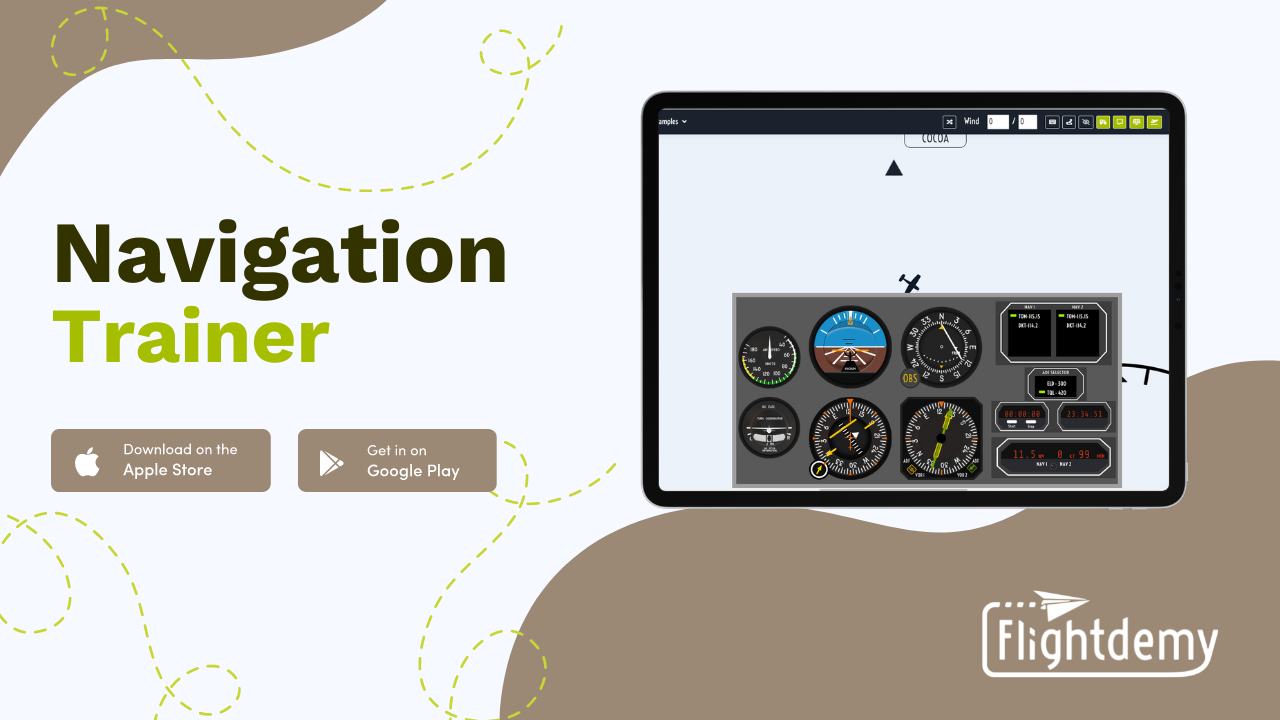
Real instruments (VOR, HSI, RMI, ADF, PFD), wind, blind mode and interactive map. Configure everything, open your browser and practice — on PC, tablet or phone, no installation needed.
See it in action
Discover all the Navigation Trainer options in under 3 minutes.
How does it compare?
Neither desktop simulators nor traditional online tools are designed to teach IFR navigation. This simulator is.
You decide how to train
Every aspect of the trainer is configurable. Adapt the tool to your level, your exercises, your program.
3 Instrument panels
Classic panel with Attitude Indicator + dual CDI, HSI with RMI and bearing pointers, or glass cockpit PFD. Pick what you need.
10 Aircraft
From basic trainers like the Cessna 172 to advanced models like the King Air 350 or the ATR 72. Each aircraft is configured with its real-world V-speeds and flight dynamics
Configurable wind
Direction, speed and real drift effect. Hidden mode so the student calculates correction without seeing the data.
Layered map
VORs, NDBs, Fixes, Airways — toggle each layer. Multi-level zoom and aircraft trail.
Blind mode
Hide the map completely. The student navigates using instruments only — the ultimate exercise.
Full radio panel
NAV 1, NAV 2, ADF, DME selector, configurable RMI needles (VOR/ADF). All from the side panel.
TO / FROM regions
Visualize TO and FROM zones of each VOR on the map. Understand what the CDI indicates before tuning.
Radials & courses on map
Display selected radials, OBS courses and heading lines directly on the chart. Instant visual reference.
DME with GS & ETE
Distance, groundspeed to station and estimated time. All in real time from the DME panel.
Flight instrument simulator: VOR, HSI, RMI & glass cockpit
Each instrument accurately recreated so you can practice IFR radionavigation like in a real cockpit — without leaving your browser.

VOR / CDI
Course deviation

HSI
Horizontal situation

RMI
VOR / ADF needles
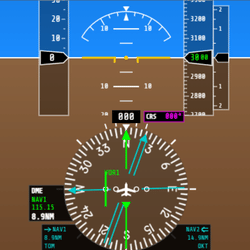
PFD
Glass cockpit

Attitude
Flight attitude

Airspeed
Speed & V-speeds

Turn Coord.
Turn rate
Ideal for flight schools
Give your students a real practice tool — and your instructors full control.
- Each student practices from their device, no installation needed
- Instructors configure personalized scenarios per student
- Standardize radionavigation training in your program
- Your students arrive to the aircraft with concepts mastered — they make the most of every flight hour
- Per-student pricing — scales with your school
Admin panel
- Choose instrument panel per student
- Assign aircraft
- Configure wind and drift
- Enable blind mode per student
- Control visible map layers
- Manage multiple students
Plans & pricing
Try it free. Choose the plan that best fits you or your school.
Free trial
- Full trainer access
- All instruments
- Time-limited session
Personal
- Unlimited sessions
- All panels & aircraft
- Wind & blind mode
- All updates
* Personal, non-commercial use only. Does not include paid instruction or institutional use.
Professional
- Everything in Personal
- Admin panel
- Student management
- Custom exercise creation
- Advanced configuration
- Priority support
Cancel anytime · No commitments · No lock-in
Frequently asked questions
Ready to master IFR navigation?
Create your free account and start practicing in minutes — from any device.
Create free account