
In the "Water and Waste" section of the FAP Trainer, you will have the ability to adjust the levels of the airplane's waste and water tanks. This functionality allows you to simulate different scenarios related to the supply and management of these resources on board.
Here's how to use it:
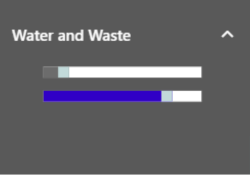
a. Adjusting the Tank Levels
Upon entering the Water and Waste section, you will find two sliders. The gray slider is intended to control the waste tank level, while the blue slider is for the water tank level.
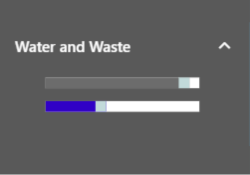
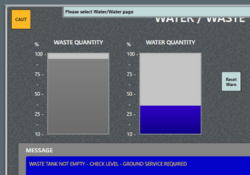
Slide each control to adjust the tank levels according to your preferences. As you adjust the values, the FAP will reflect the corresponding alerts, according to the simulation performed.
Remember that adjusting the water and waste tank levels is crucial for training emergency situations and practicing evacuations. Make sure to familiarize yourself with its proper use and practice different scenarios to improve your skills as a flight crew member.