
In the Emergency section of the FAP Trainer, you have the ability to simulate the activation of the evacuation command in emergency situations.
This function is essential for training and practicing coordination and rapid response in aircraft evacuation cases.
Here's how to use this feature:
a. Activating the Evacuation Command:
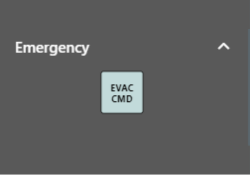
In the "Emergency" section of the FAP Trainer, locate the button labeled "EVAC CMD" to activate the evacuation command.
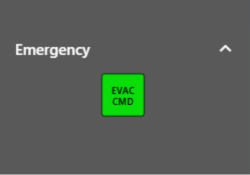
When you click the "EVAC CMD" button, the sound alert will be immediately activated, and the corresponding indication will be displayed on the AIP (Attendant Indication Panel).
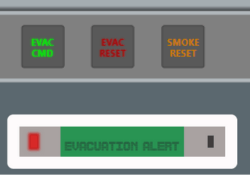
If you wish to silence the sound alert during the evacuation command simulation, you can use the "EVAC RESET" option found in the FAP.
By clicking "EVAC RESET," the sound alert will stop, but please note that the evacuation command simulation will remain active.
b. Deactivating the Evacuation Command:
To deactivate the simulation of the evacuation command, simply press the "EVAC CMD" button again, which you initially activated.
Upon doing so, the sound alert will stop, and the indication on the AIP will return to its original state, indicating that the evacuation command has been deactivated.
It's important to use this function responsibly and in appropriate training situations. Simulating the evacuation command is essential for the preparation and safety of the crew and passengers in case of an emergency.