
In this section of the FAP Trainer, you have the ability to simulate smoke in different airplane lavatories. The function is straightforward to use.
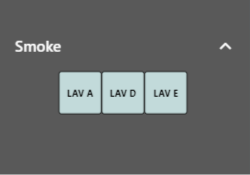
a. Activation of Alerts
Go to the FAP Trainer Menu and locate the Smoke section. Click on the specific lavatory where you want to activate the smoke alert. Once you click, the smoke simulation will be activated in that particular lavatory.
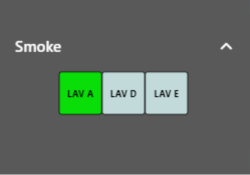
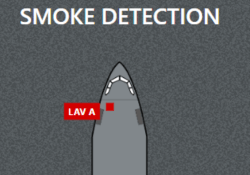
b. Deactivation of Alerts
If you wish to deactivate the smoke alert in the lavatory you previously activated, use the function associated with this action in the FAP.
Remember that smoke simulation is an essential function for training in emergency situations and evacuation practices. Make sure to familiarize yourself with its proper use and practice different scenarios to improve your skills as a flight crew member.