
Step 1: Log in to your Flightdemy account and open the user menu.
Step 2: Select "My courses" to see all the courses you are enrolled in.
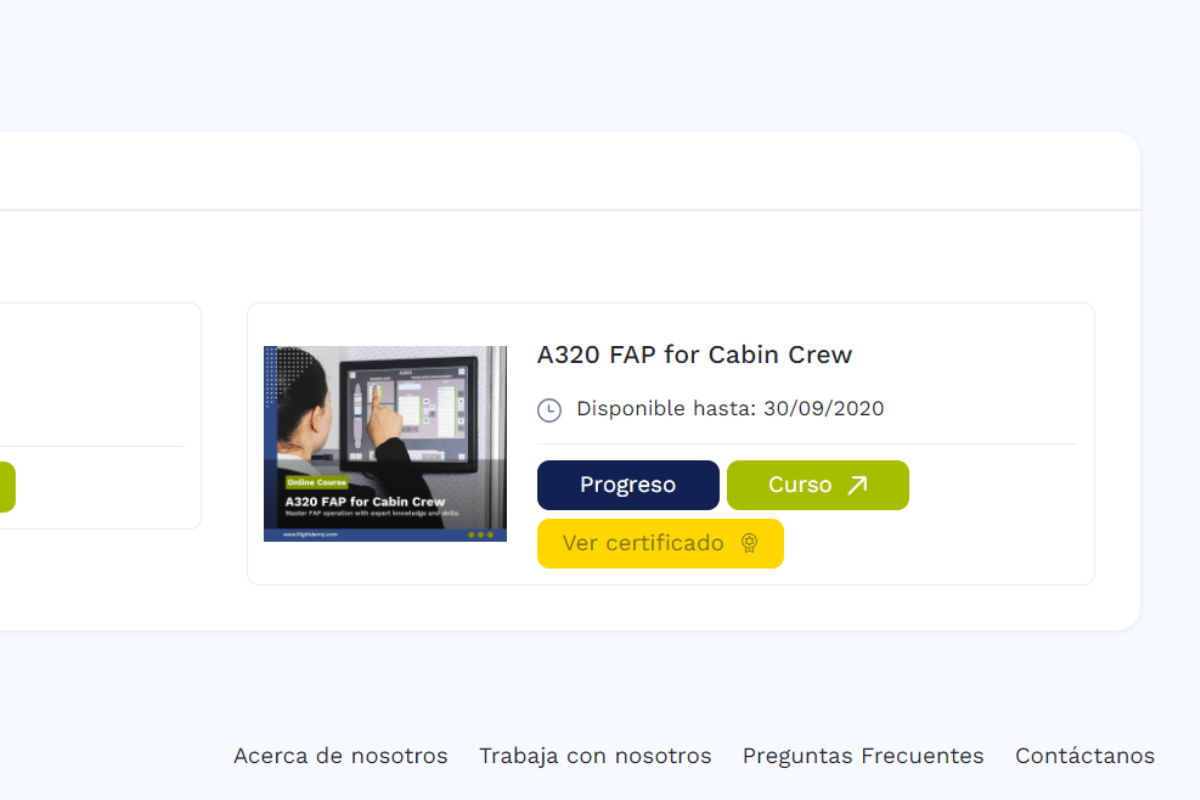
Step 3: Find your course and, on its card, click the certificate option to download it.
You can also find your certificates in "My certificates" in the user menu.