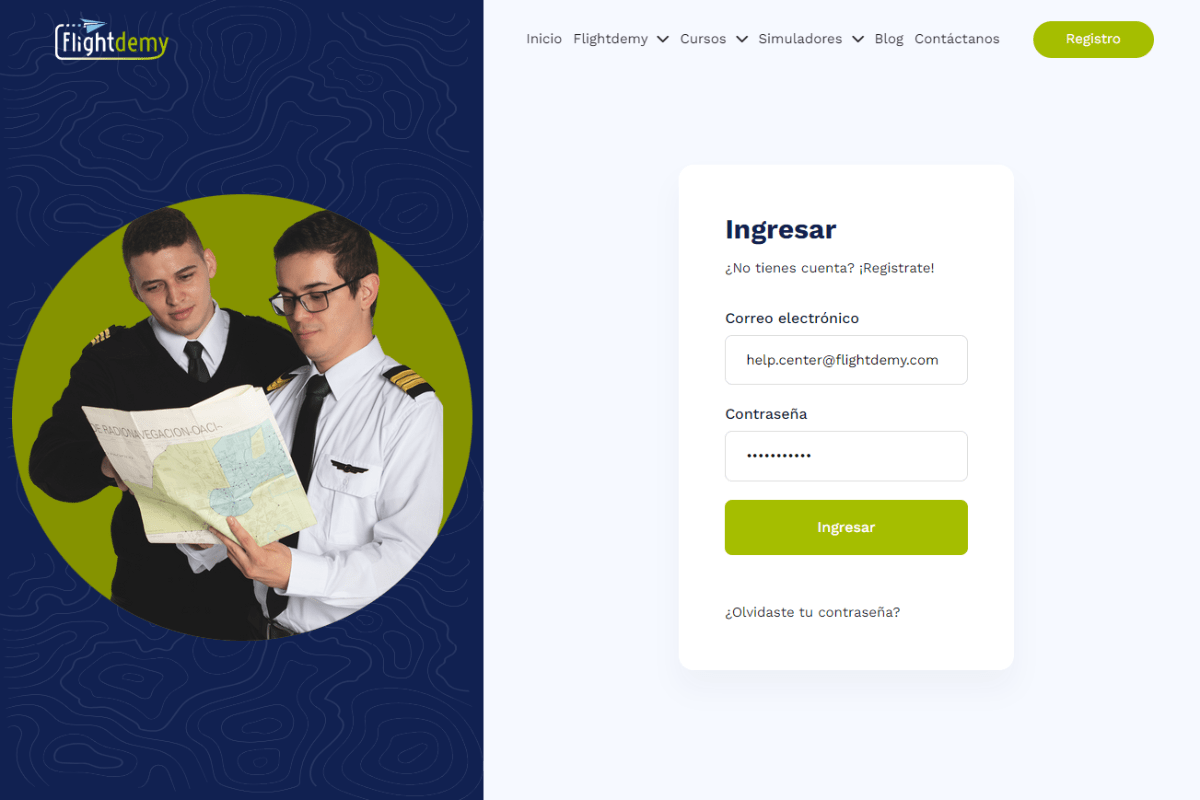
Before you dive into your course, make sure you are logged in to your Flightdemy account. Go to flightdemy.com, click "Login" in the top right corner and enter your credentials.

Learn how to access your Flightdemy course after your purchase, from logging in to opening your first lesson.
Before you dive into your course, make sure you are logged in to your Flightdemy account. Go to flightdemy.com, click "Login" in the top right corner and enter your credentials.
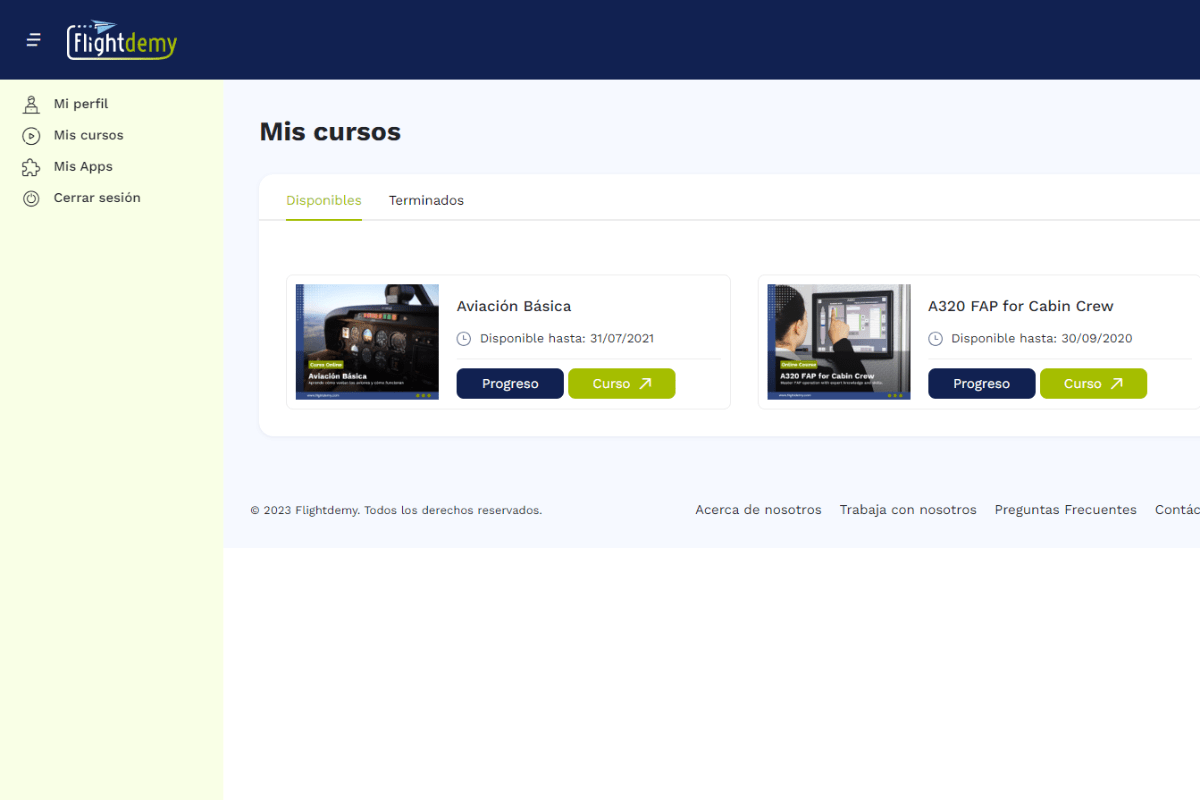
Once you are logged in, open "My courses" from the user menu. You will see all the courses you have purchased. Find the one you want and click "Continue".
On the course page you will find its modules, lessons and resources. Click the lesson you want to start with.
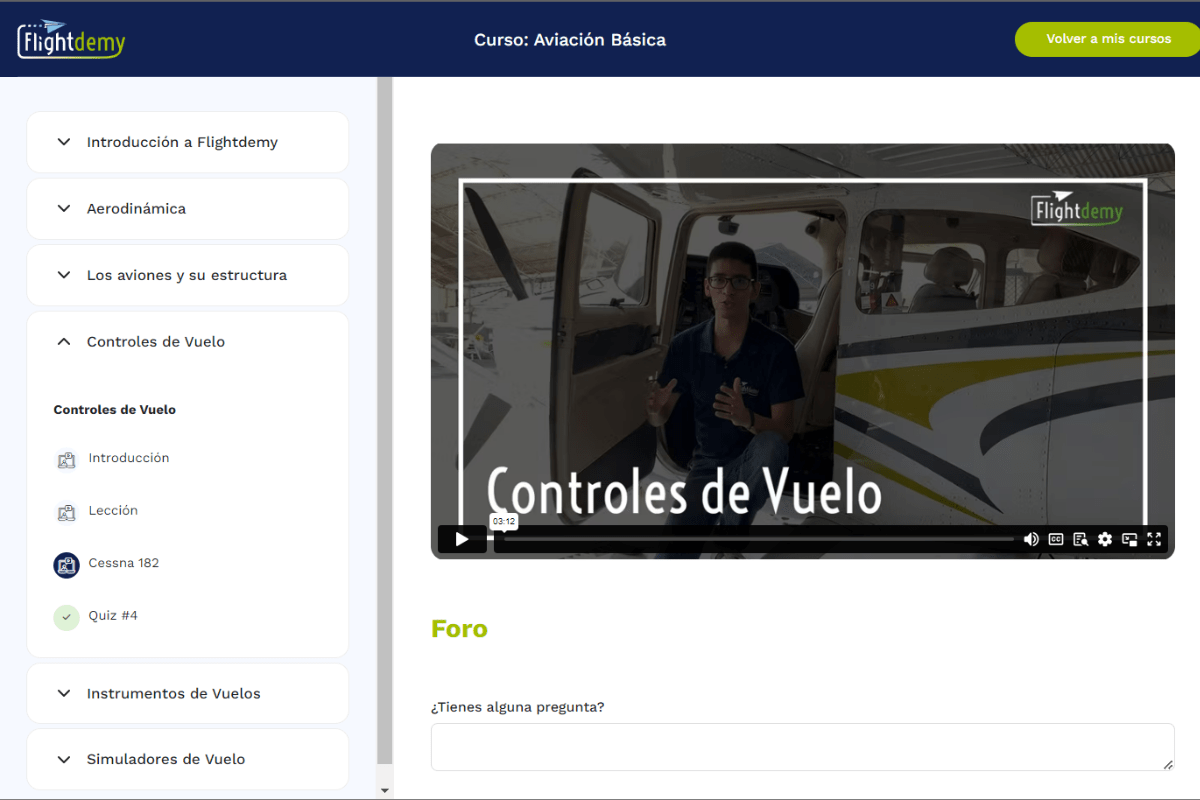
As you move through the course, make the most of the videos, assessments and other resources. If you have questions, ask the course tutor, and keep a pace that works for you.
Our team is ready to help. Reach out via our contact page and we'll get back to you as soon as possible.