Log in to your Flightdemy account and open "My profile" from the user menu.
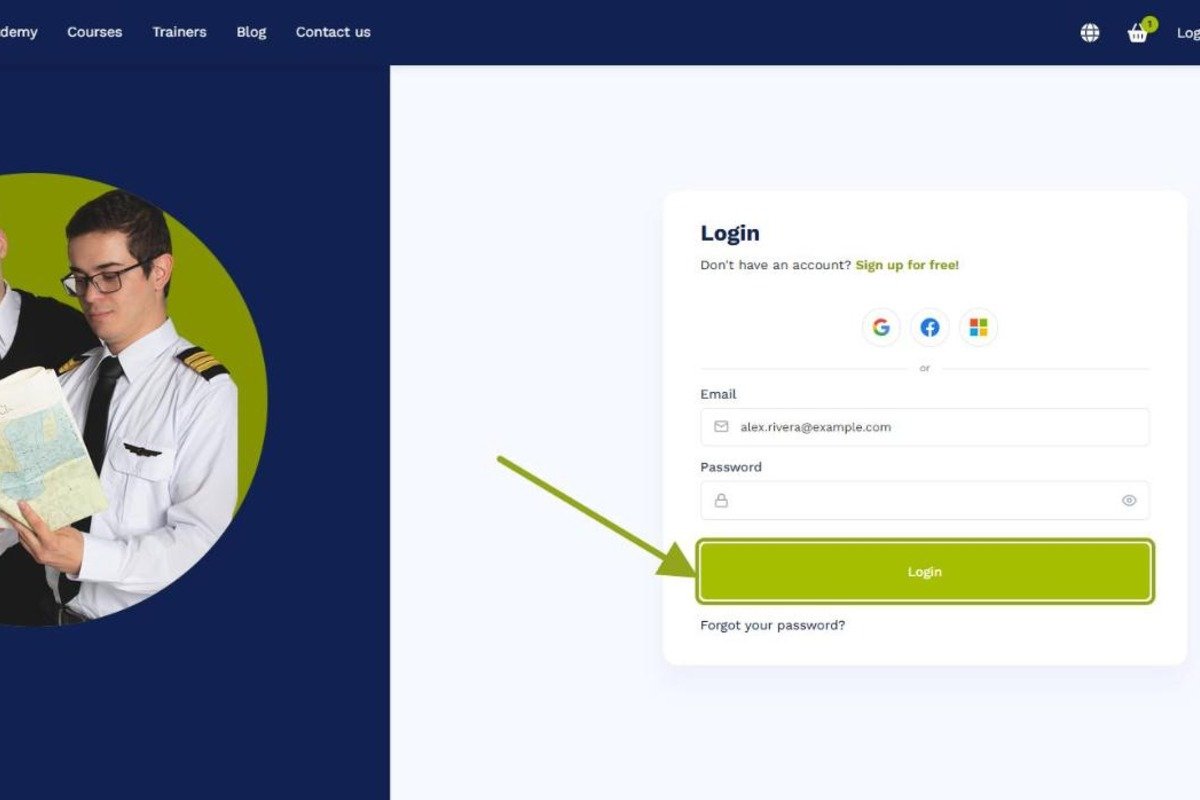

Learn how to complete and personalize your Flightdemy profile: personal information, profile photo and social networks.
Log in to your Flightdemy account and open "My profile" from the user menu.
Add personal details such as your name, location and a short description in the "Modify data" tab. This information helps other members get to know you.

Use the "Upload your own photo" option to add a profile picture. A clear, friendly image helps you connect more easily with others on the platform.

If you have social media profiles you want to share, add them to your profile so other members can connect with you on other platforms.
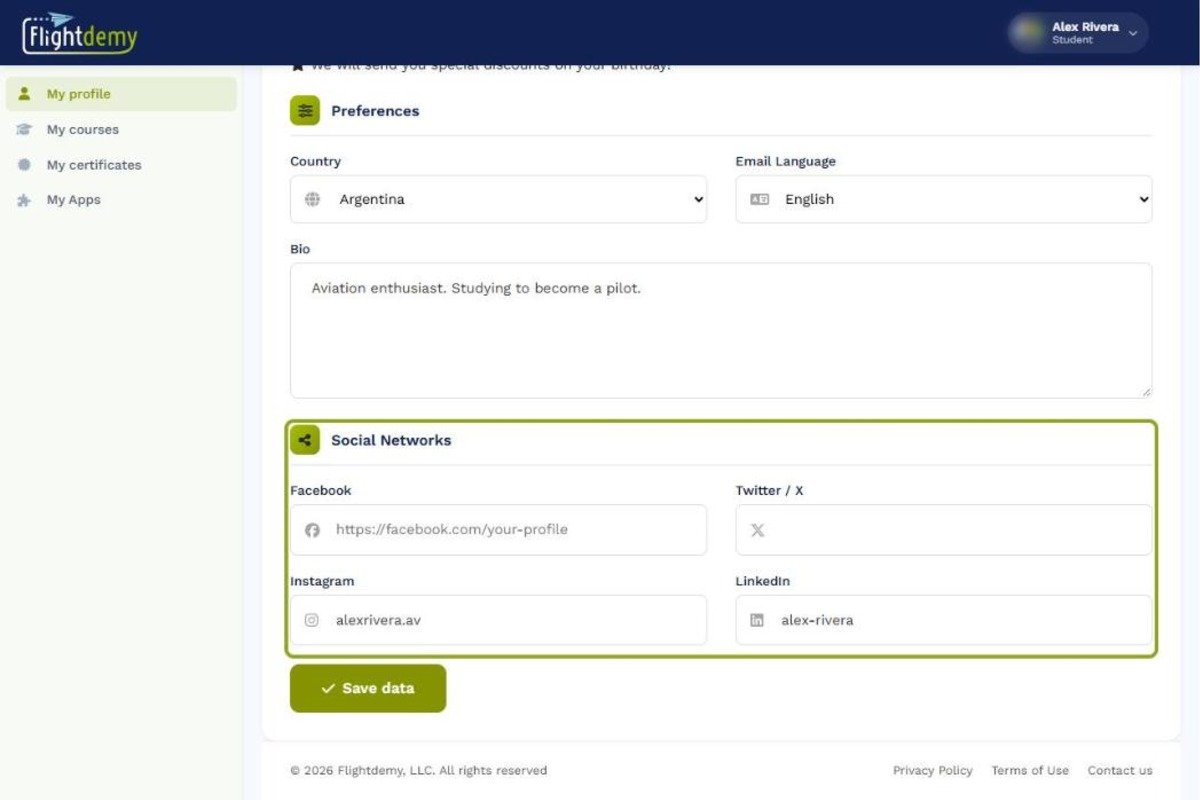
Before you finish, review your profile to make sure everything is accurate and complete. Then click "Save data" to apply your changes.
Related guides
Our team is ready to help. Reach out via our contact page and we'll get back to you as soon as possible.