
Step 1: Go to "My courses". Log in, click your name in the top right corner to open the user menu and select "My courses".
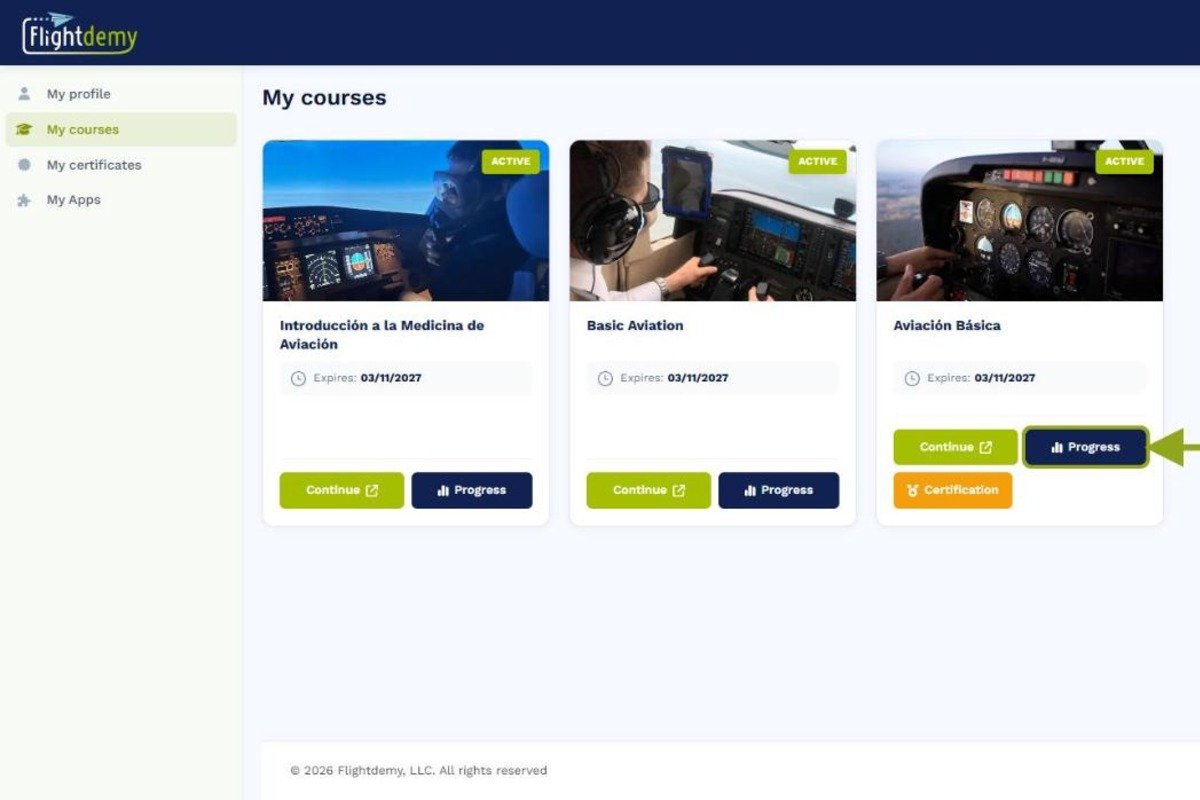
Step 2: Find your course. In "My courses" you will see all the courses you are enrolled in.
Step 3: Open the progress page. On the course card, click "Progress" to see detailed information about how you are doing.
The progress page is divided into the following sections.