Step 1: Log in to your Flightdemy account and open the user menu.
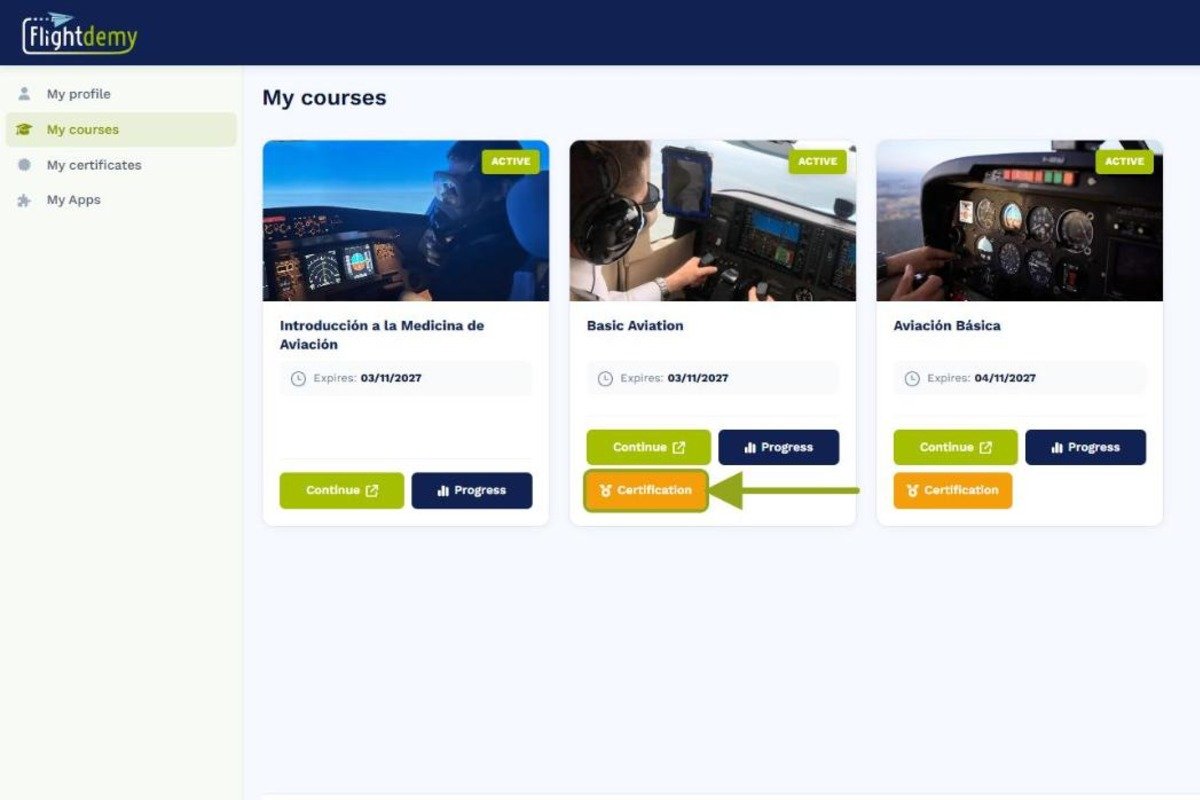
Step 2: Select "My courses" to see all the courses you are enrolled in.
Step 3: Find your course and, on its card, click the certificate option to download it.
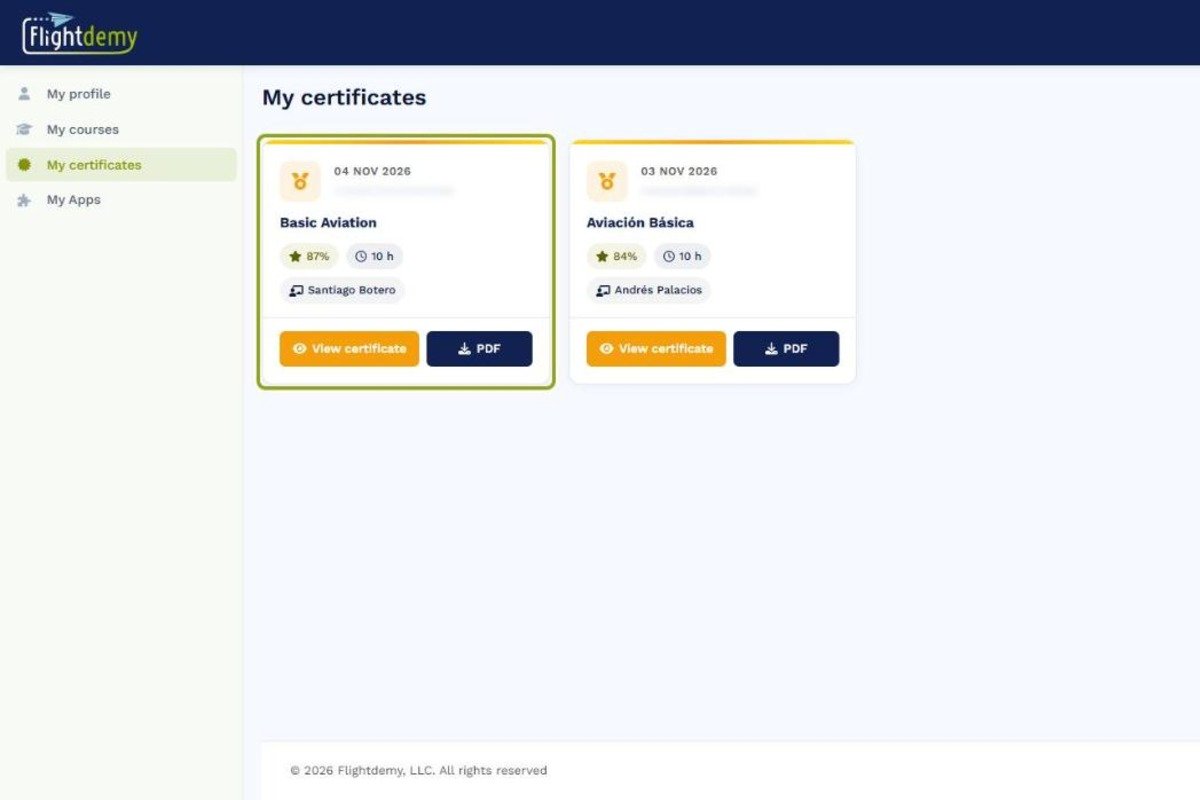
You can also find your certificates in "My certificates" in the user menu.
You can also find all your certificates in "My certificates", in the side menu, with the "View certificate" and "PDF" options. The certificate includes your name, the course, your final grade, your study hours and a QR code to verify it.