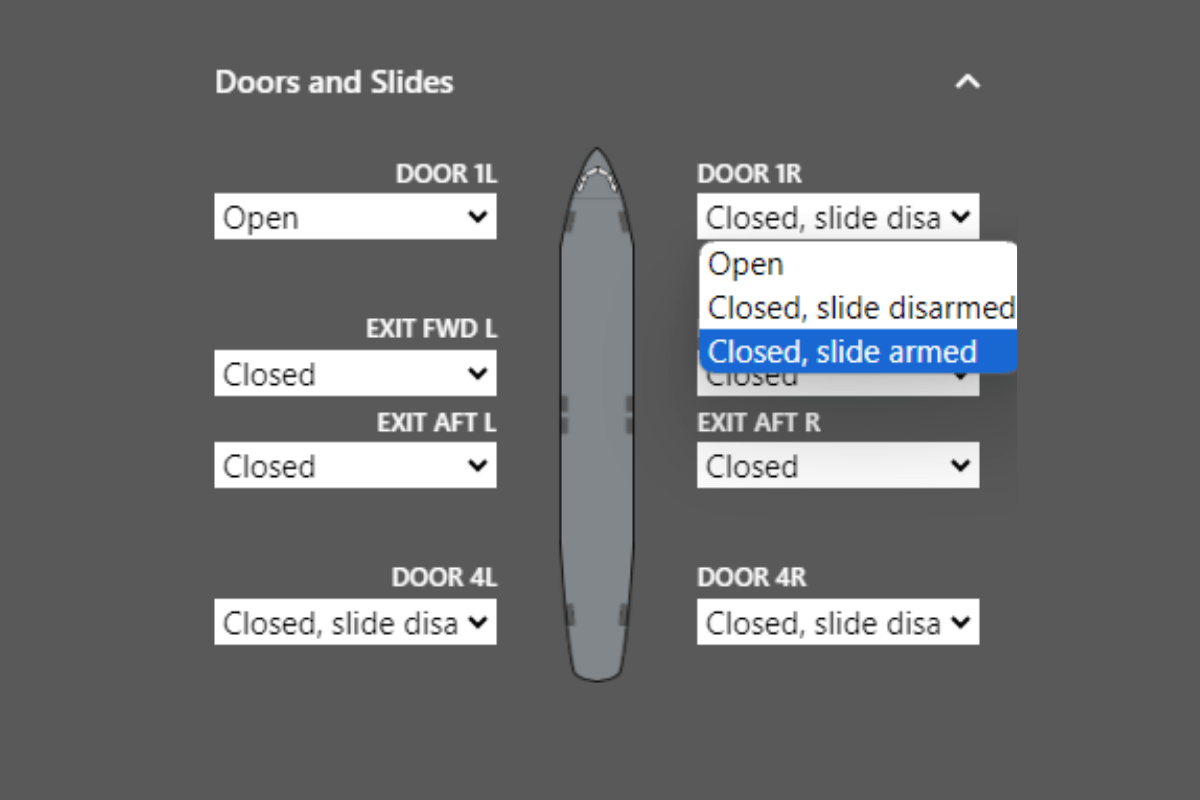
This section enables you to modify the status of doors and slides by selecting your preferred option.
Operation:
Within the menu, you'll find a small aircraft icon accompanied by a dropdown menu for each door, including emergency exits.
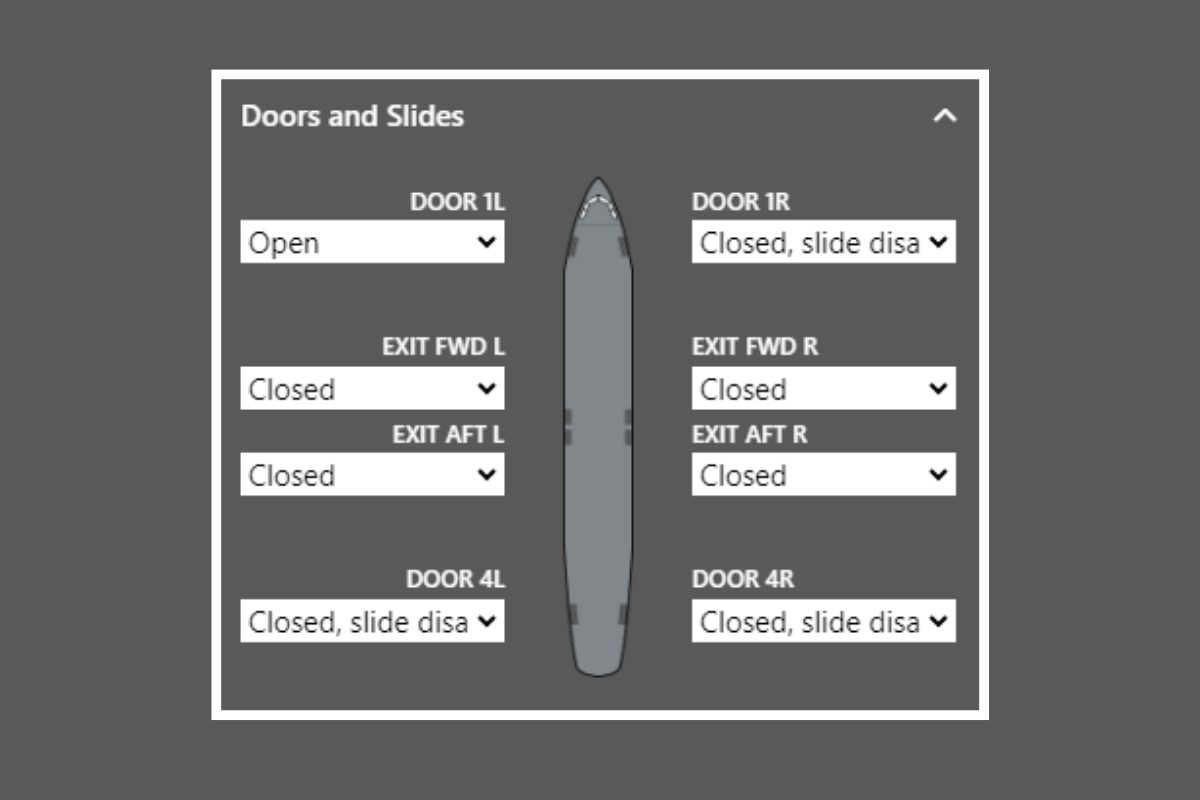
To alter the status, click on the dropdown and then select the status you require. Options include open, closed with the slide disarmed, or closed with the slide armed.